

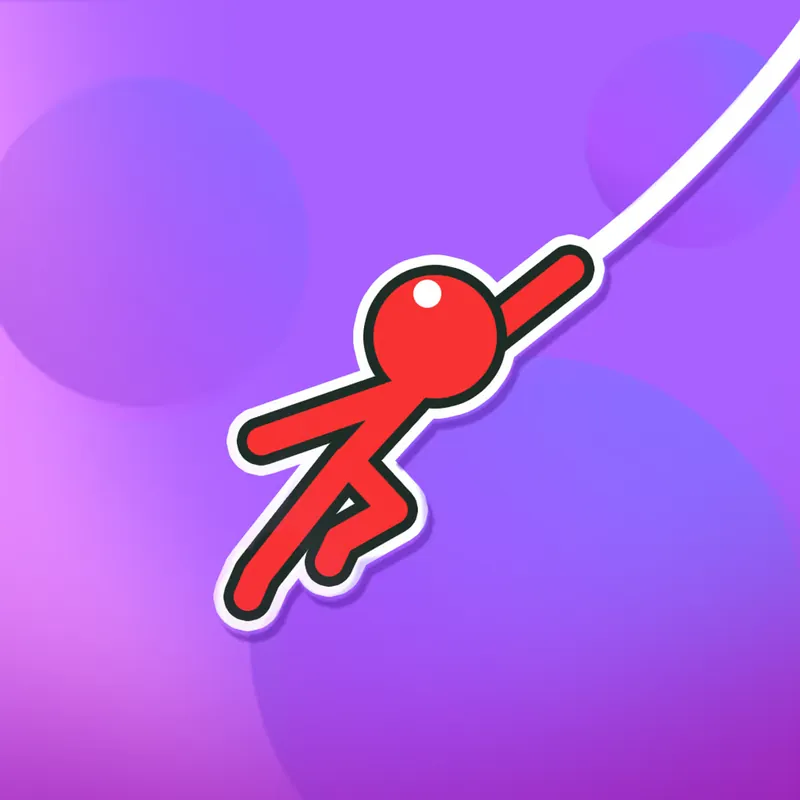
Stickman Hook
Stickman Hook is a one-button swinging game by Madbox. Hold to attach to a hook, let go at the right moment and fly on to the next one. It suits anyone who likes short, repeatable timing challenges.
What you do in the game
The goal in Stickman Hook is simple to say and fiddly to do: get a stickman from one hook to the next until the level ends. You hold the mouse button or Spacebar to hang from a hook and swing on it. When you let go, the stickman flies forward with whatever momentum the swing had built up.
That makes release timing the whole game. Let go too early and the stickman drops short; let go too late and the swing carries him the wrong way. Bouncy trampolines are also placed on some levels and change where you can land, so it pays to look ahead before you attach.
Classic mode holds hundreds of levels. Harpoon mode unlocks after 30 classic levels. The game also has 23 skins; some are unlocked by watching ads and some arrive weekly. On a phone or tablet the same idea works by touch: press and hold to hook, lift your finger to let go.
A few practical things are worth knowing before you start. The game needs only one input, so you can play with a single finger or one key, which makes it easy to pick up in a short break. Failing a level simply restarts the attempt, so the cost of a mistake is a few seconds. Many players find that the rhythm of hold, swing and release becomes natural after a handful of levels, and the harder levels then become about choosing the exact moment rather than about quick reflexes.
Which key does what
- Mouse click (hold)
- Swing on the hook
- Mouse click (release)
- Let go and fly forward
- Spacebar (hold / release)
- Same as the mouse
- Touch and hold
- Hook on mobile
- Lift finger
- Let go on mobile
Tips from the mechanics
- Watch the next hook before you let go, not the one you are on. Your release point decides where the stickman lands.
- Release while the swing is still carrying you forward. Letting go late sends the momentum backwards.
- When a trampoline is on the level, treat it as a second hook: plan your release so the bounce sets up the next swing.
- If a level keeps failing at the same spot, change when you attach instead of only changing when you release.
- Try both mouse and Spacebar once. Whichever gives you a steadier rhythm is the better one for you.
Is it for you?
People who like one-button timing games, short sessions on a break, and anyone who wants something readable on a phone.
Things to weigh up
- Poki shows ads around the game, and some skins are unlocked by watching ads.
- Hundreds of levels reward repetition. If timing games frustrate you, the retries can wear thin.
- Harpoon mode is locked until you finish 30 classic levels.
Questions people ask
Is it free?
Yes. Stickman Hook is free to play in the browser on Poki, and Poki shows ads around it.
Do I need to download anything?
No. Stickman Hook runs in the browser on Poki, so there is nothing to install to start.
Which devices does it work on?
Poki lists Stickman Hook for computer, phone and tablet. Poki also notes that the game exists as an iOS and Android app, but this page describes the browser version.
Where does the game open?
On poki.com. Uldragundegrim only describes the game; the link on this page takes you to the Poki page, which is a separate site.
